What Is AI Automation? A Complete Guide for Australian Businesses

AI automation combines artificial intelligence with automation to complete tasks, process information and move work through a business with less manual effort. It can help Australian businesses reduce repetitive admin, improve response times and make everyday processes more efficient.
Unlike basic automation, AI-enabled workflows can work with information such as emails, documents and customer requests. This allows businesses to automate tasks that previously needed some level of human understanding.
AI adoption is growing in Australia. Australian Bureau of Statistics data shows that 12% of businesses reported using AI in 2024–25, up from 1% in 2022–23, when the ABS first measured business AI use.
What is AI automation?
AI automation is the use of AI within an automated process. It combines artificial intelligence with workflow automation so a system can understand information, make a limited decision and then trigger the next action.
For example, an AI system could read a customer email, work out what the customer needs, create a support ticket and send it to the right team. A person can still step in when the request is unusual or needs judgement.
How does AI automation work?
Most AI-enabled workflows combine an AI model with standard automation rules and connected business software.
A simple workflow may follow these steps:
- Information enters the system.
- AI reads or analyses it.
- The system identifies what the information means.
- Automation rules decide what should happen next.
- Another tool completes the action or sends it for human approval.
Depending on the task, AI tools may use natural language processing, machine learning or an AI agent. The AI handles the part that requires interpretation, while automation handles the predictable steps around it.
How is AI automation different from traditional automation?
Traditional automation follows fixed rules. It works well when a process is predictable, such as sending a reminder after a form is submitted or moving data between two systems.
AI automation adds the ability to work with less structured information. It can read text, classify requests, summarise documents or recognise patterns before starting the next step.
The two approaches often work best together. Traditional automation can handle clear rules, while AI automation adds flexibility where a process needs more context.
What are the benefits of AI automation for business?
The main benefits of AI automation are less repetitive work, faster processes and better use of business information. The value comes from improving a real process, not simply adding AI because it is available.
AI automation helps businesses by:
- reducing repetitive data entry and admin
- speeding up customer and internal response times
- processing documents and information faster
- improving how work is sorted and routed
- creating more consistent processes
- giving staff more time for work that needs human judgement
The National AI Centre (ai.gov.au) recommends starting with a clear business problem or goal, then looking at whether existing tools already have suitable AI features. It also recommends starting small before expanding AI use across more areas.
What are some examples of AI automation?
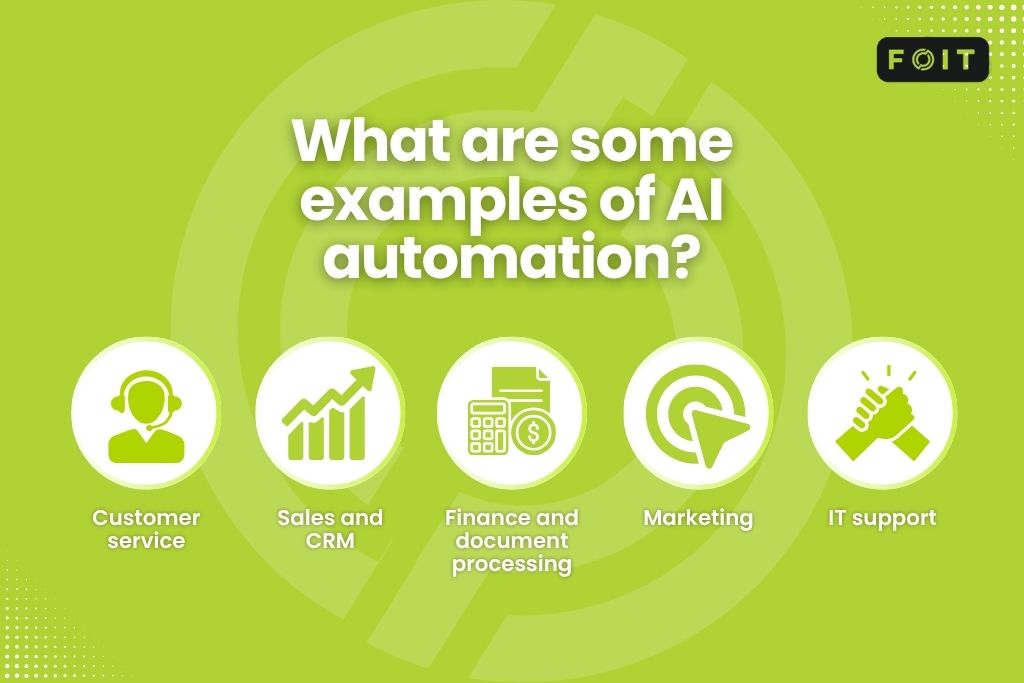
Examples of AI automation can be found across customer service, sales, finance, marketing and IT. The best use cases are usually tasks that happen often, take up staff time and have a clear outcome.
Customer service
AI can read incoming enquiries, identify the topic and route each request to the correct person or team.
It can also draft replies, summarise conversations, create support tickets and answer simple questions using approved information. More complex requests can be passed to a staff member.
Sales and CRM
AI business automation can reduce manual sales admin by analysing new enquiries, summarising calls and updating CRM records.
For example, AI can identify important information in a lead form, and automation can create the next task or assign the lead to the right salesperson. Staff still manage the relationship and make important sales decisions.
Finance and document processing
Finance teams can use AI to extract information from invoices, receipts and purchase orders.
The system can identify key details, check them against set rules and send approved information into accounting or payment workflows. Robotic Process Automation (RPA) can also be used for structured steps in older systems.
Marketing
Marketing systems can use AI to classify content, summarise customer feedback, prepare drafts and analyse campaign information.
AI can support content creation, but human review is still important for accuracy, brand tone and privacy.
IT support
AI can help IT support teams sort requests, summarise incidents and recommend useful knowledge articles.
It can also help identify repeated problems and prioritise requests. This reduces the time spent manually organising tickets before technical work begins.
What AI automation tools can businesses use?
Available options range from AI features built into existing software to full automation platforms and custom AI solutions.
There is no single best AI automation platform for every business. The right option depends on what needs to be automated, which systems need to connect, how sensitive the data is and how much control the business needs.
The National AI Centre (ai.gov.au) notes that off-the-shelf AI tools are generally quicker and cheaper to implement, while custom solutions can offer more flexibility but usually require more investment and ongoing support.
How can a business implement AI automation?
Implementing AI automation should start with the process rather than the technology. A business should first identify where time is being lost, where work is repetitive and what result it wants to improve.
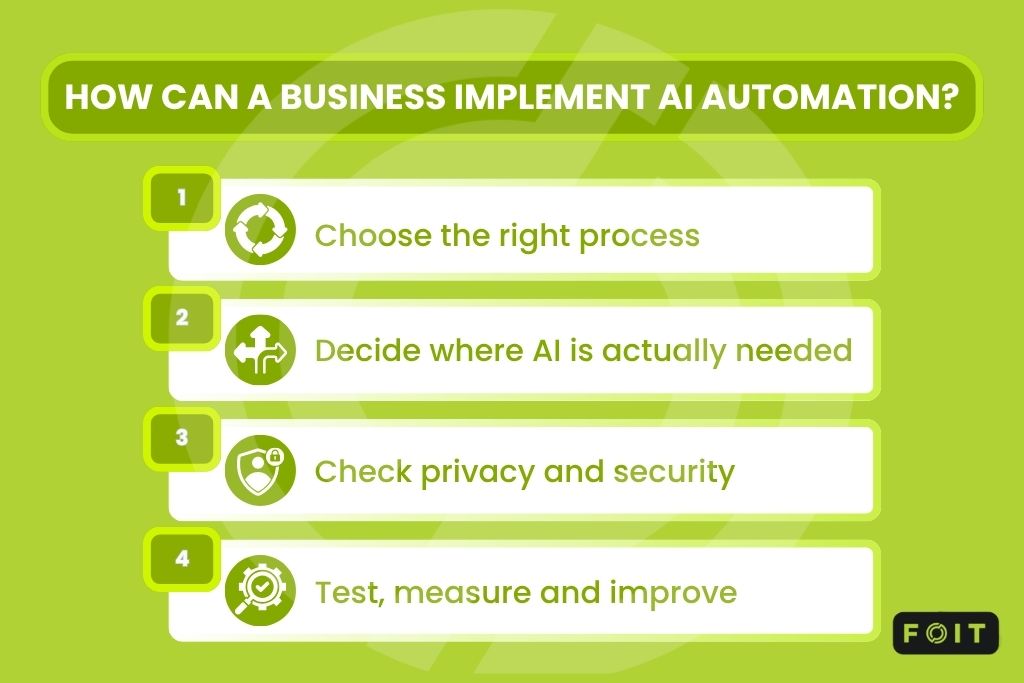
A simple four-step approach can keep implementation focused.
1. Choose the right process
Start with a process that happens regularly and has a clear outcome.
Good candidates may include sorting enquiries, processing documents, updating records, creating internal tickets or managing routine approvals.
The current business process should be understood before any automation is built. Otherwise, automation can simply make an inefficient process happen faster.
2. Decide where AI is actually needed
Not every step needs AI.
Traditional automation is often better for predictable actions. AI is most useful when the system needs to understand language, classify information, find patterns or create a response.
For example, AI may read and classify an email, while standard workflow automation creates the ticket and sends it to the correct department.
3. Check privacy and security
AI automation requires careful handling of business and customer data.
The Office of the Australian Information Commissioner (OAIC) states that privacy obligations apply when AI systems handle personal information. It recommends due diligence, human oversight and careful consideration of who can access information entered into or generated by AI systems.
As a matter of best practice, the OAIC recommends that organisations subject to the Privacy Act do not enter personal information, particularly sensitive information, into publicly available generative AI tools.
From 10 December 2026, amendments relating to the Australian Privacy Principles will require APP entities that use personal information in automated decision-making that could significantly affect an individual’s rights or interests to include additional information in their privacy policies about those automated decisions. This includes the kinds of personal information used and the kinds of decisions made or substantially supported by automation.
4. Test, measure and improve
Before wider use, the workflow should be tested with normal tasks as well as unusual cases.
The business should check whether AI outputs are accurate, whether the correct automation follows, what happens when the system is unsure and when a staff member needs to step in.
After launch, results should be measured against the original goal. Useful measures include time saved, response times, error rates, processing costs and staff workload.
How much does AI automation cost?
AI automation cost depends on the type of process, software, number of systems involved and level of customisation required.
A simple automation using tools the business already has may cost relatively little. More complex AI automation can require new software, integration work, testing, data preparation, security controls and ongoing support. Custom AI solutions are generally more expensive than off-the-shelf products and also bring ongoing support and maintenance costs.
Common costs include:
- software or automation platform licences
- AI model usage
- integration and development
- data preparation
- testing and security
- staff training
- ongoing maintenance and monitoring
A business should compare these costs with a clear baseline. If a process currently takes 80 staff hours each month, for example, the business can measure how much time a proposed automation could realistically save.
What should businesses consider before using AI automation?
AI automation can improve productivity, but it also introduces risks. Common issues include inaccurate AI outputs, privacy problems, weak access controls, poor-quality data and too much reliance on automated decisions. Australian Government guidance recommends human oversight and checking AI outputs for accuracy as part of responsible AI use.
Responsible AI practices should therefore be built into the automation strategy from the beginning. Businesses should define what the AI can do, what information it can access and when human approval is required.
Agentic AI automation needs extra care. An AI agent can complete several steps and interact with other systems with less direct instruction. Cyber security and AI governance guidance from bodies such as ASD’s Australian Cyber Security Centre and international partners highlights that greater AI autonomy can introduce additional privacy, security and operational risks, and recommends careful, governed adoption of agentic AI.
For most businesses, success does not mean making every process fully autonomous. The better approach is to automate suitable tasks while keeping people involved where judgement, accountability or sensitive decisions matter.
Making AI automation work for the business
These systems can help Australian businesses reduce repetitive work, improve response times and make processes easier to manage. The strongest results come from choosing the right use case, keeping the workflow simple and putting appropriate privacy and security controls around it.
At FOIT, we see AI automation as part of the wider technology environment rather than a standalone tool. We focus on understanding how a business works first, then identifying where AI and automation can improve day-to-day processes without adding unnecessary complexity.
The goal is not to automate everything. It is to use the right technology in the right places so the business can work more efficiently, securely and with greater confidence.
Frequently asked questions
Is AI automation safe for small businesses to use?
Yes, AI automation can be safe when businesses follow proper privacy and security practices. Small businesses should avoid entering sensitive customer data into public AI tools and should set clear rules around data access. Starting with a single low-risk process, such as email sorting, helps limit exposure while building confidence in the system.
How long does it take to implement AI automation in a business?
Implementation timeframes vary depending on complexity. A simple automation using existing software features may be set up relatively quickly, while custom solutions involving multiple systems, data preparation and security testing usually take longer.
Will AI automation replace jobs in Australian businesses?
AI automation is more likely to change roles than eliminate them entirely. It typically removes repetitive tasks such as data entry, freeing staff for work that needs judgement, relationship management or problem-solving. Human oversight also remains important for decisions that require accountability.
What industries benefit most from AI automation?
Industries with high volumes of repetitive, document-heavy or enquiry-based work can benefit from AI automation. This includes customer service, finance, professional services, retail and healthcare administration. Any business handling frequent emails, invoices or support requests may be able to improve efficiency.
Do I need coding skills to set up AI automation?
No, many AI automation tools now require little or no coding knowledge. No-code and low-code platforms allow businesses to build workflows using visual interfaces and pre-built connections. More complex or highly customised automation may still require technical support.
How do I know if a task is suitable for AI automation?
Suitable tasks are usually repetitive, happen regularly and have a clear starting point and outcome. AI can be particularly useful when the task also involves interpreting text, documents or other information. Processes involving sensitive decisions or complex judgement usually need more human oversight.
What’s the difference between AI automation and RPA?
Robotic process automation (RPA) follows fixed, rule-based steps to complete predictable tasks such as data entry. AI automation adds the ability to interpret unstructured information, including emails or documents, before deciding what happens next. Many businesses use both together.
Can AI automation integrate with existing business software?
Yes, many AI automation tools are designed to connect with common business software such as CRM, accounting and email platforms. Integration options range from built-in AI features to no-code connectors linking multiple apps. The ease of integration depends on the systems involved and how much customisation is required.